PyAutoGUI is a pure-Python GUI automation library. It lets a program control the mouse and keyboard automatically, so it is very useful for simple automation and UI testing. You can think of it as a Python version of a desktop macro tool.
import pyautogui
After importing it, you can get started right away.
For a library that focuses on precise clicking, coordinate handling is the foundation. pyautogui uses screen pixels for positioning. For example, on a display with a resolution of 2560x1600:
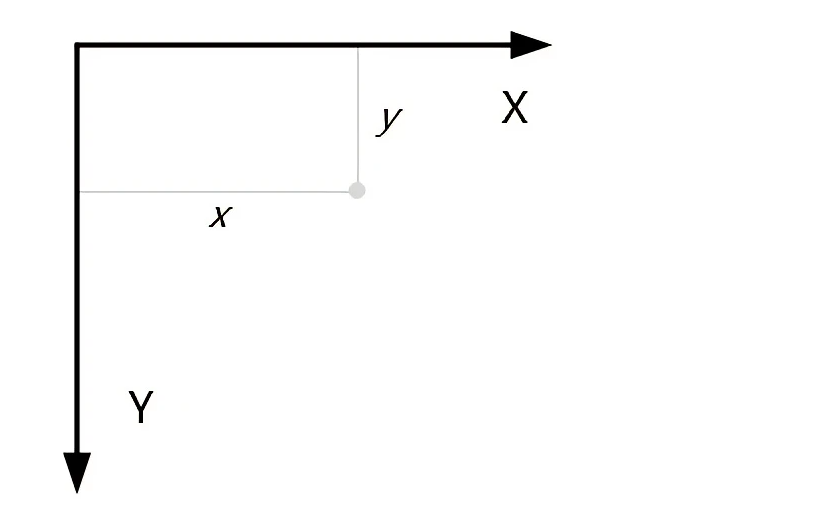
The output is 2560 1600.The coordinate origin is in the top-left corner. The x-axis is horizontal and the y-axis is vertical:Once you understand that, you can position the mouse precisely.

 Once you understand that, you can position the mouse precisely.