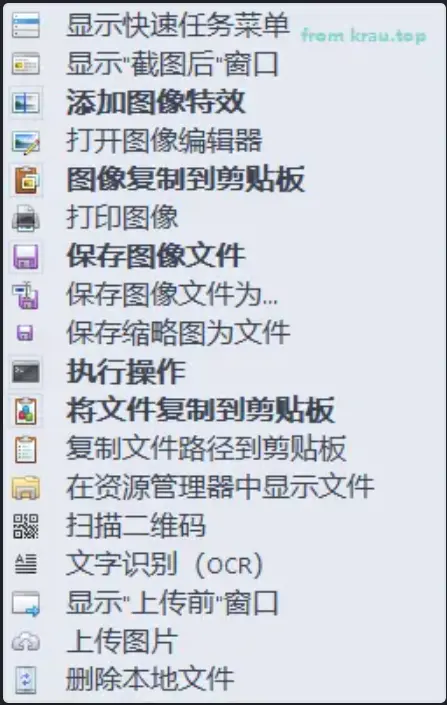
ShareX
ShareX is a very powerful open-source screenshot and sharing tool with lots of customization options. What I like most is that it can automatically compress screenshots to WebP format, which reduces image size significantly. Software structure: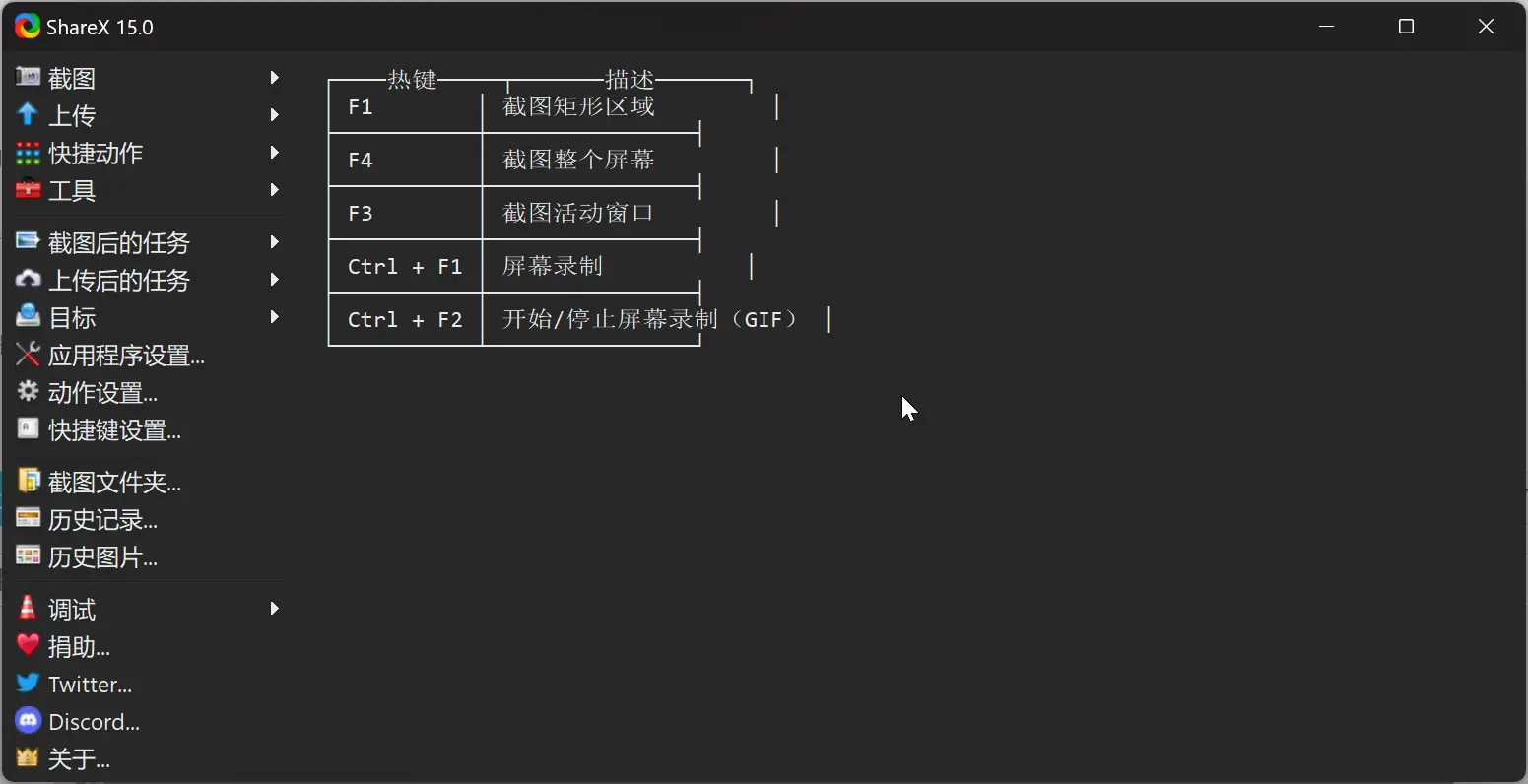 Download page: https://github.com/ShareX/ShareX/releases/tag/v16.0.1
I recommend downloading the portable version because it includes
Download page: https://github.com/ShareX/ShareX/releases/tag/v16.0.1
I recommend downloading the portable version because it includes ffmpeg and can be used for compression directly.
Then create a new action in the ShareX action settings:
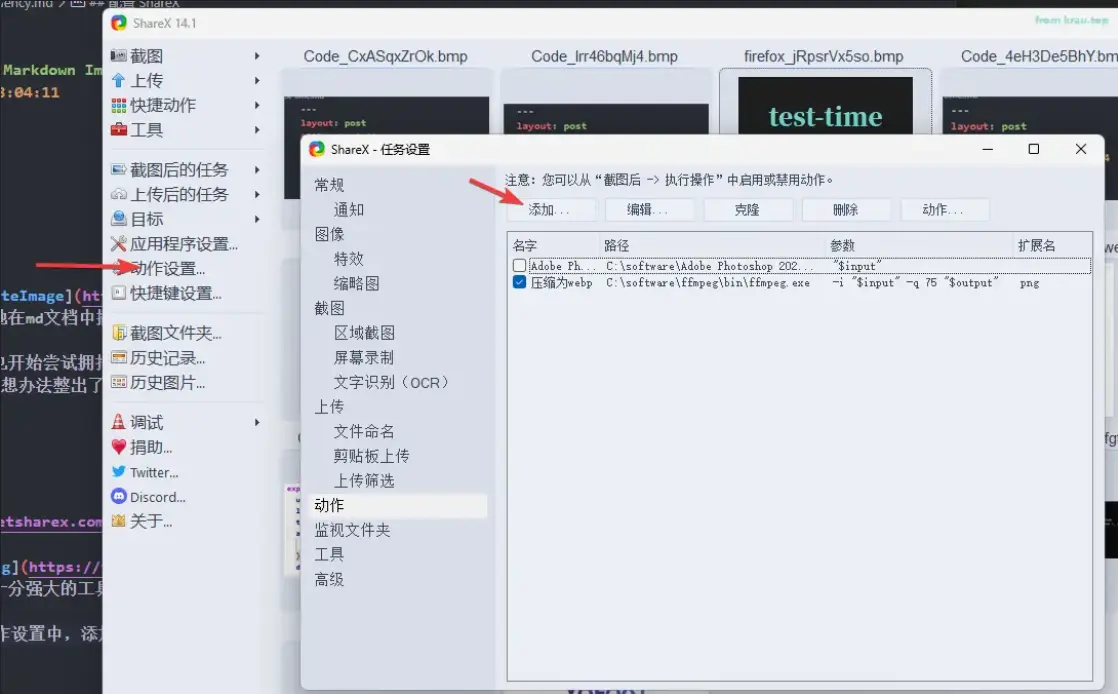
- name: anything
- file path: the installation path of
ffmpeg, pointing directly to the executable - parameters:
-i "$input" -q 75 "$output"where-q 75means 75% quality compression - output file extension: webp
- extension filter: png
- enable the options below for hide window and delete input file
execute action in the screenshot task settings.